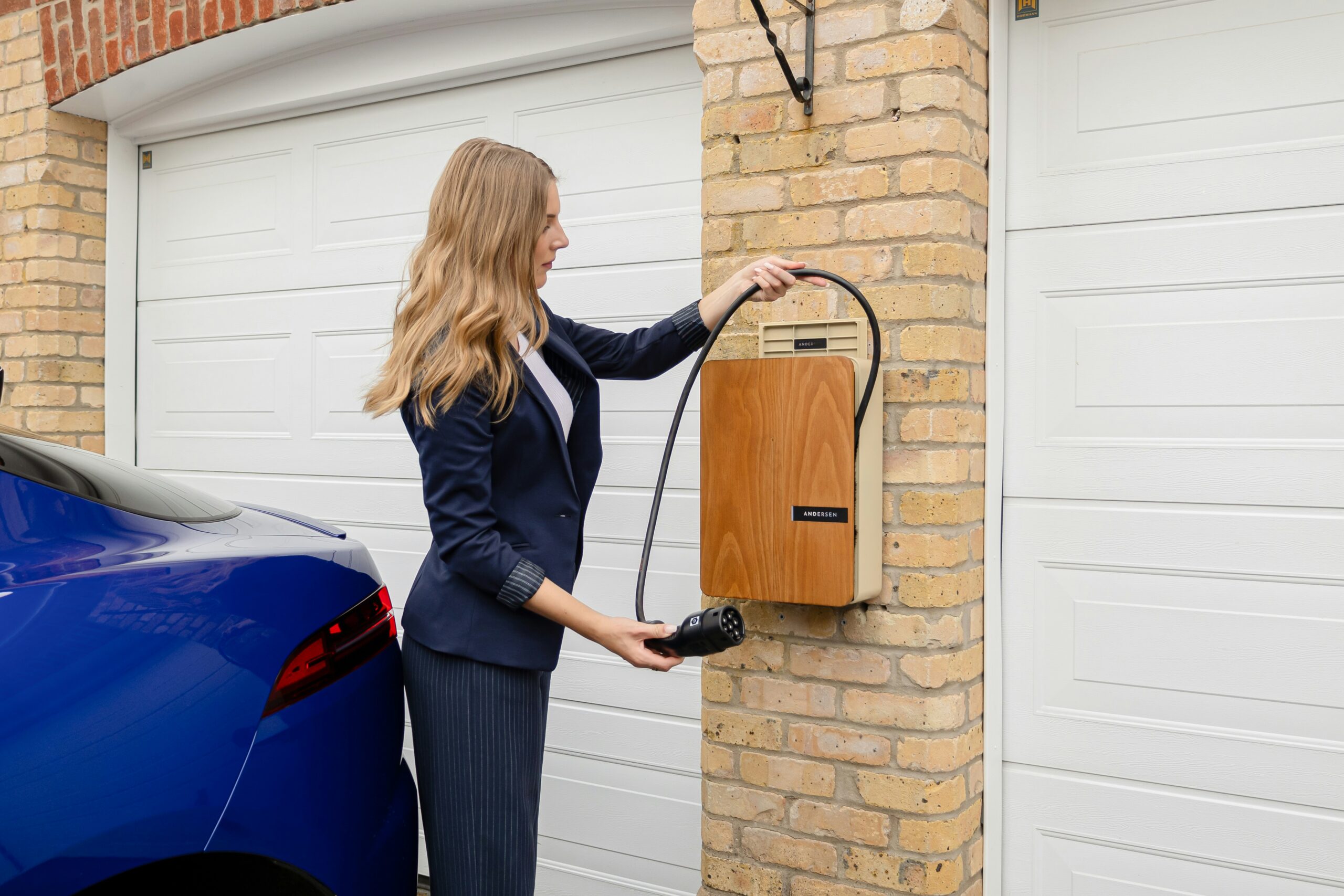
Let’s be honest, the best part of a renovation isn’t just the new countertops or the fresh coat of paint—it’s the chance to build a home that genuinely works for you. Imagine lights that turn on as you walk in, a thermostat that learns your schedule, and music that follows you from room to room. This isn’t science fiction; it’s the reality of smart home integration, and there’s no better time to weave it into your space than during a remodel. By planning tech upgrades alongside traditional construction, you can hide wires, ensure robust connectivity, and create a seamless, intuitive living experience that feels less like controlling gadgets and more like coming home.

Why Integrate Smart Tech During a Renovation?
Tacking on smart devices after everything is finished can feel clunky. Renovation is your golden ticket to do it right. When walls are open and electricians are on-site, you can install the backbone of a truly integrated system. This means no unsightly power cords snaking across baseboards, no Wi-Fi dead zones in crucial areas, and a clean, minimalist look where technology serves you invisibly. It’s about future-proofing your investment and elevating everyday convenience from the ground up.
Planning Your Smart Home Foundation
Before you pick a single light bulb, you need a plan. Think of this as the central nervous system for your upgraded home.
Network and Connectivity: The Unsung Hero
A rock-solid network is non-negotiable. During renovation, run Ethernet cables (Cat6 or Cat6a) to key locations, especially for Wi-Fi access points, smart hubs, and media centers. This creates a wired backbone that is far more reliable than Wi-Fi alone. Strategically placing multiple Wi-Fi access points (like a mesh system with wired backhaul) ensures strong, consistent coverage everywhere, from the backyard patio to the basement laundry room.
Power and Wiring: Think Ahead
Talk to your electrician about your smart goals. You might want to:
Install smart switches instead of relying solely on smart bulbs (so the lights still work if someone hits the switch). Run neutral wires to every switch box, a requirement for many smart switches. Consider adding outlets with built-in USB-C ports. Place power outlets in drawers for charging stations, inside cabinets for under-cabinet lighting, and near doors for video doorbells.
Key Smart Upgrades to Consider
With your foundation set, here are the areas where smart integration makes a massive impact.
Lighting and Climate Control
Smart lighting is the most noticeable upgrade. During reno, you can install in-wall dimmers, switches, and even hardwired smart fixtures. Pair them with motion sensors in closets, pantries, and hallways for automatic light. For climate, a smart thermostat like Nest or Ecobee is great, but during a renovation, you can also look into smart vents or even integrate your HVAC system more deeply for true zoned temperature control, saving energy and boosting comfort.
Security and Peace of Mind
Integrate security seamlessly. Run power for hardwired, PoE (Power over Ethernet) security cameras for the best reliability. Pre-wire for a video doorbell. Install smart locks that can be integrated with your system, allowing you to lock/unlock remotely or create temporary virtual keys for guests. These devices can all work together—a motion sensor triggering a pathway of lights and a camera to start recording.
Entertainment and Audio
For a clean, theater-like experience, run speaker wire in-ceiling or in-wall for surround sound and whole-home audio. Pre-wire your TV location with conduits that run back to a central media closet, hiding all your game consoles and streaming devices. This eliminates the dreaded “wall of cables” and gives you a pristine entertainment zone.
Making It All Work Together: Hubs and Ecosystems
A jumble of apps on your phone isn’t “smart.” The magic happens when devices talk to each other. Choose a central platform or hub. Popular options include:
Apple HomeKit: Great for iPhone users, prioritizing privacy and a unified iOS interface.
Google Home: Excellent for voice control via Google Assistant and broad device compatibility.
Amazon Alexa: Huge ecosystem of compatible devices and versatile voice skills.
SmartThings or Home Assistant: Offer more advanced, customizable automation for tech enthusiasts.
During planning, try to choose devices that work with your preferred ecosystem to ensure smooth automation and control.
Practical Tips for a Smooth Integration
- Start with a “Phased” Approach: You don’t need to do everything at once. Prioritize foundational wiring and key systems (network, lighting, security), then add devices over time.
- Document Everything: Keep a detailed list of all models, serial numbers, and passwords. Create a simple diagram of your network and where key devices are located for future troubleshooting or upgrades.
- Communicate with Your Contractor: Make sure your general contractor, electrician, and low-voltage specialist are on the same page about your tech vision. This prevents costly mistakes or rework.
The Bottom Line: A Home That Adapts to You
Integrating smart technology during a renovation is the ultimate form of customization. It transforms your home from a static structure into a dynamic environment that responds to your life. The upfront planning and investment pay off daily in unmatched convenience, enhanced security, and even long-term energy savings. By building the tech into the bones of your house, you create a seamless, elegant, and truly modern living space that won’t feel outdated in a few years. Your renovated home shouldn’t just look new—it should act new, anticipating your needs and simplifying your routines from the moment you walk in.
Photo Credits
Photo by Andersen EV on Unsplash
- Finding Your Perfect Fit: A Guide to Senior Apartments for Independent Living – 28/01/2026
- Understanding Dental Implant Options – 28/01/2026
- Home Renovation Basics Explained – 28/01/2026

Leave a Reply